
After Step 8 · Easy Studio
Generate and download.
Your result appears in place once generation finishes.
Download what you made to keep it. From here, Open Expert Studio is optional — use it only if you want the full workspace.
What you'll see
- In-place generate finishing on the Easy Studio result
- Download for your image/video
- Optional Open Expert Studio (not an automatic redirect)
Do this
- Wait for generation to finish in-place.
- Download your image/video.
- Optionally click Open Expert Studio for the full workspace.
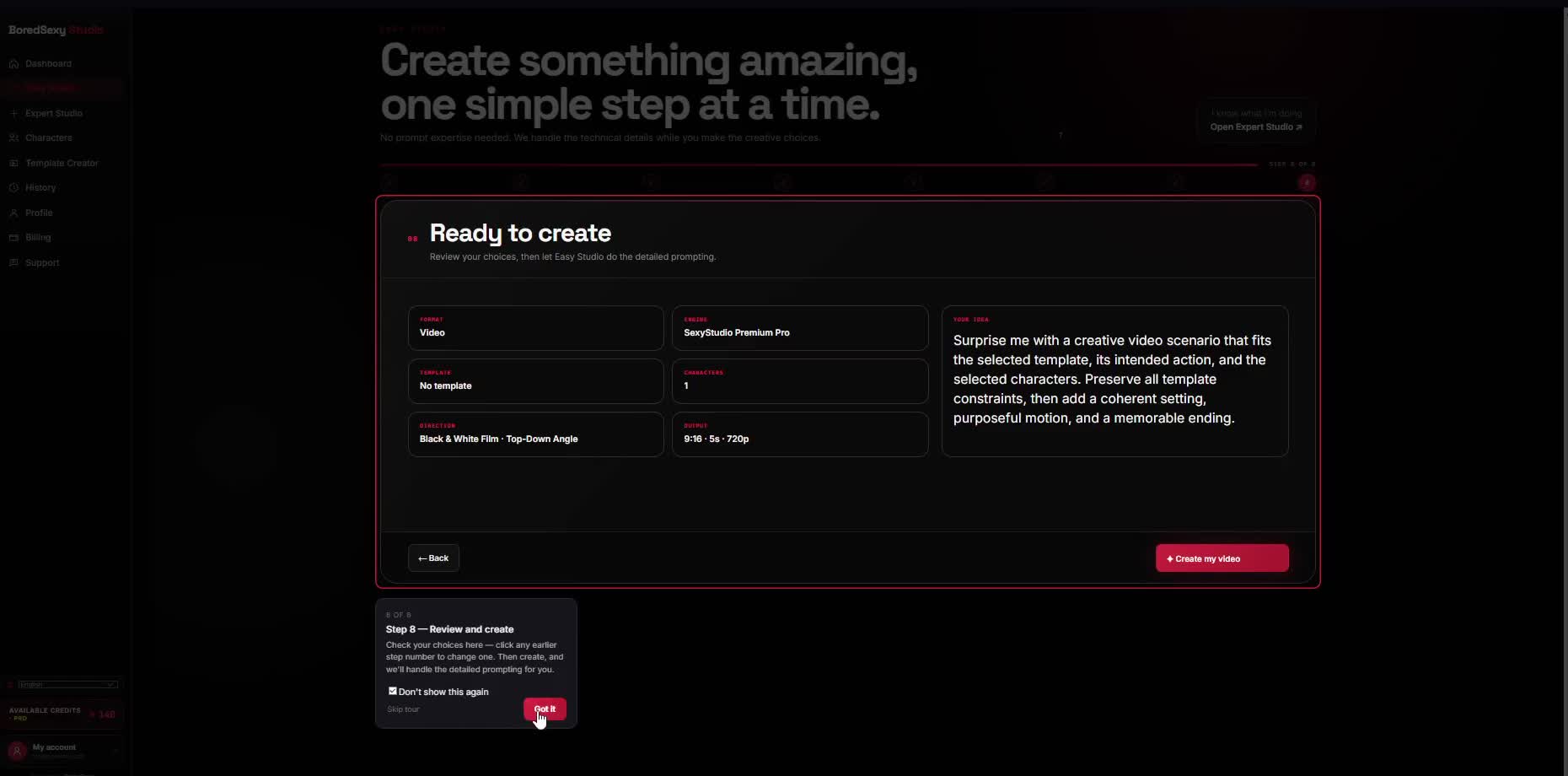
ResultGenerate finishes in-place
ThenDownload your image/video
OptionalOpen Expert Studio