Step 6 · Easy Studio
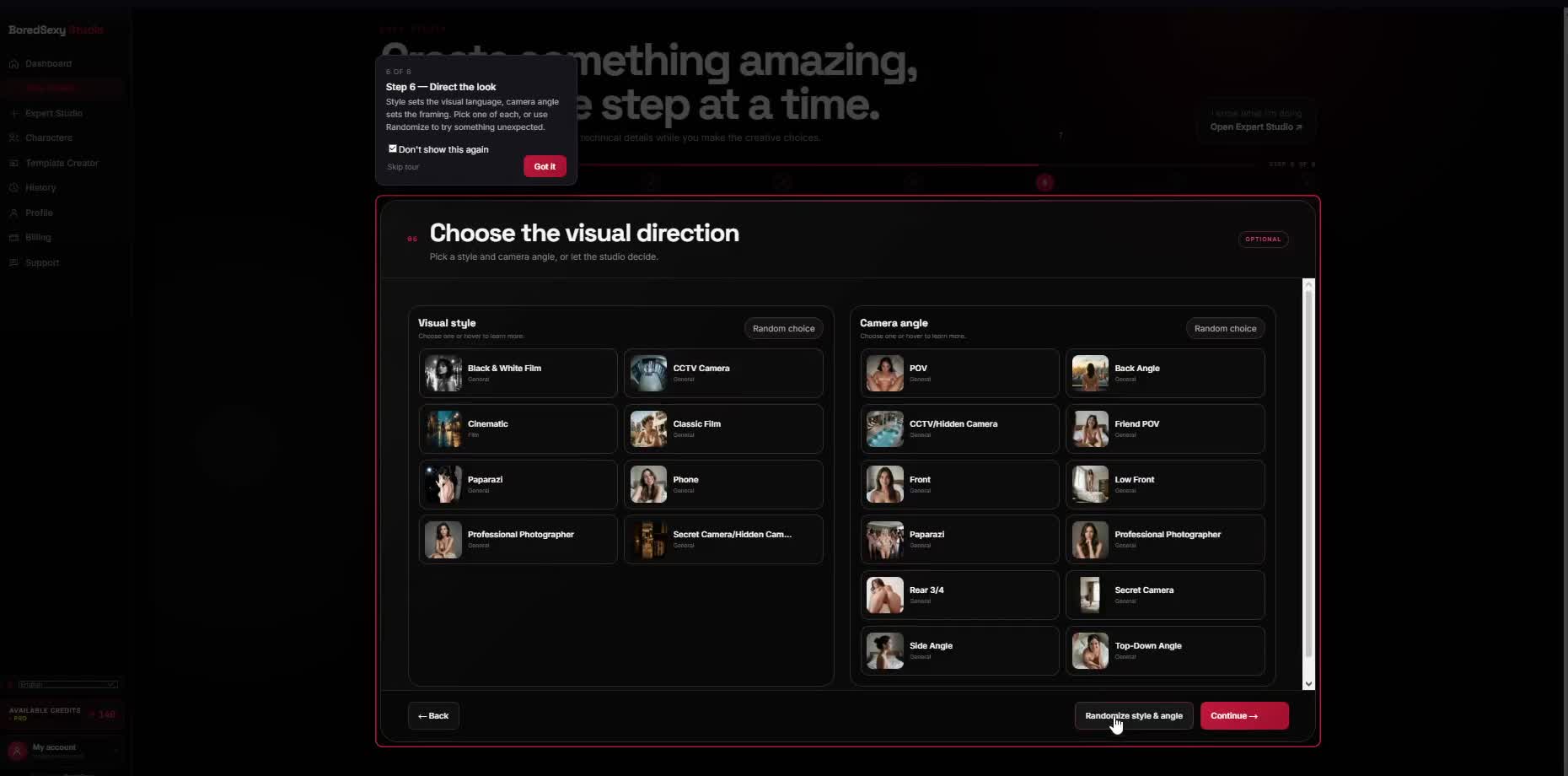
Choose the visual direction.
Set the visual style and camera angle.
Not sure? The defaults work fine — leave both as they are, or use Randomize style & angle to try something different.
What you'll see
- Heading: Choose the visual direction
- Visual style control
- Camera angle control
- Continue to advance
Do this
- Leave Visual style and Camera angle on defaults (or randomize if you want).
- Click Continue.
KeepVisual style defaults
KeepCamera angle defaults
ThenContinue