
Step 1 · Easy Studio
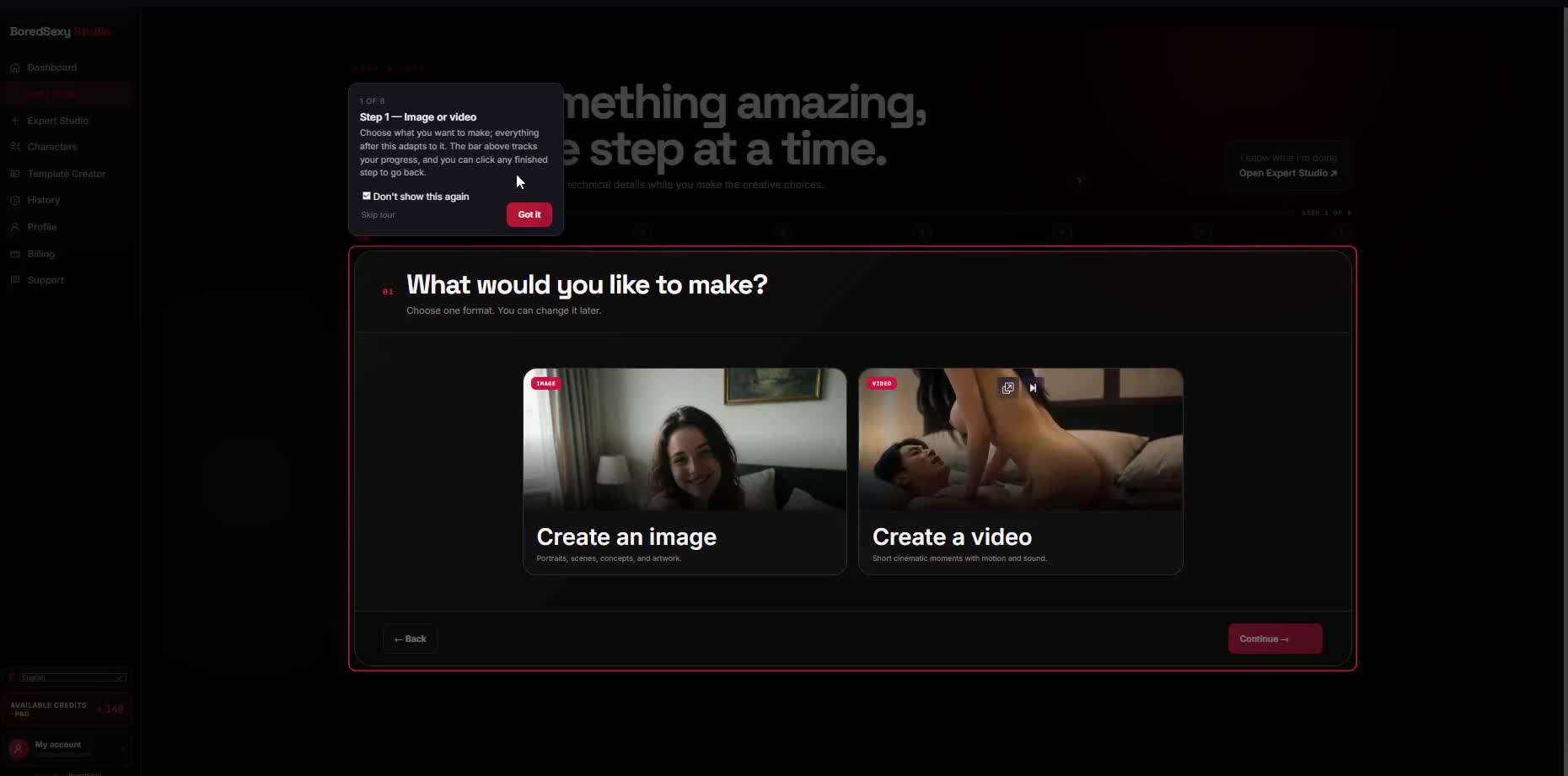
What would you like to make?
Choose whether you’re making an image or a video.
Your choice shapes what comes next: image and video paths differ later on — for example, video adds a clip length in step 7, and longer clips cost more credits.
What you'll see
- Two cards with real preview photos — Create an image and Create a video
- Step progress for the eight-step wizard
- Continue to advance
Do this
- Select Create a video (this walkthrough’s path).
- Click Continue.
SelectCreate a video
ThenContinue