Step 7 · Easy Studio
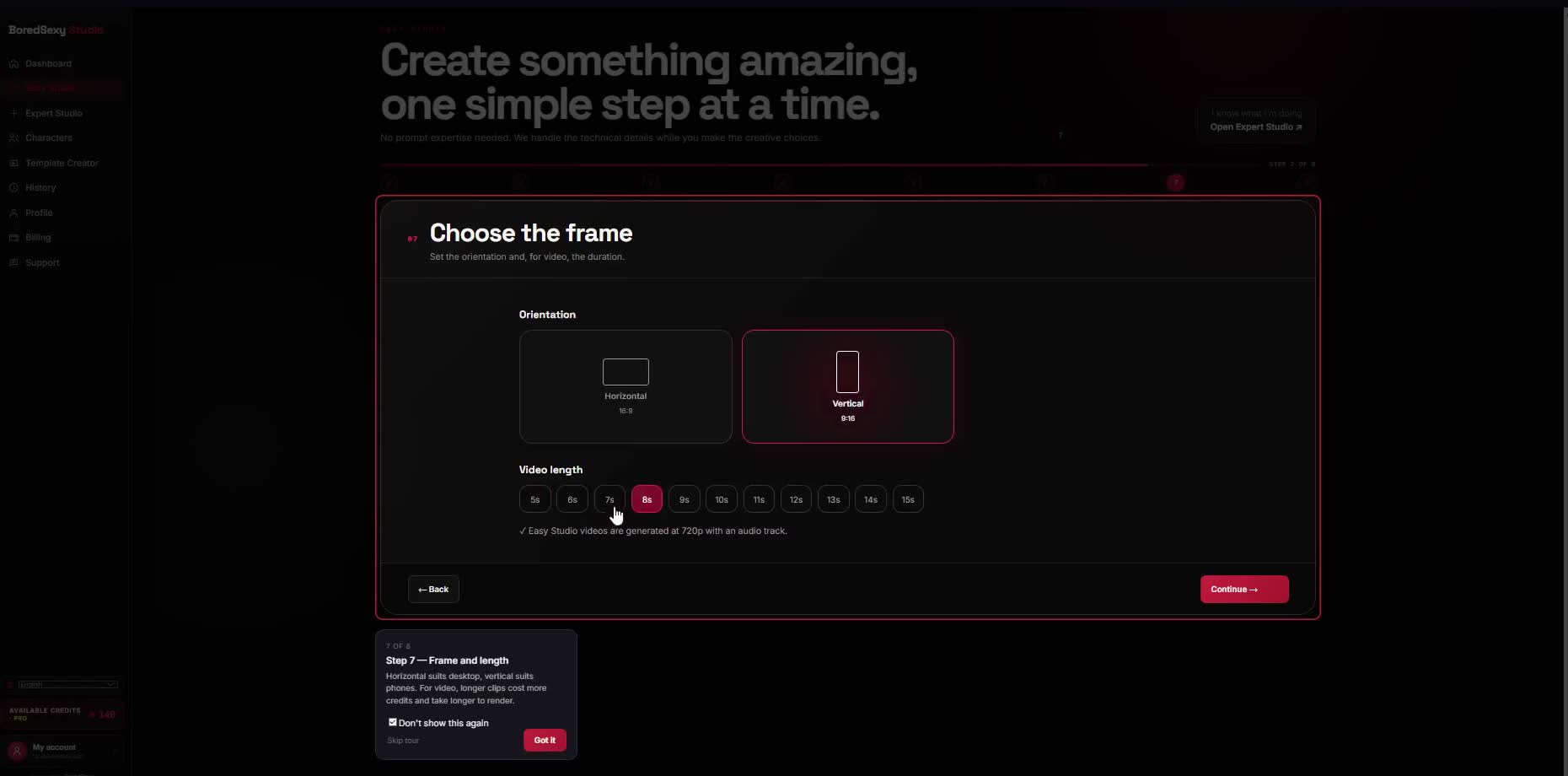
Choose the frame.
Set the orientation and, for video, the length.
Choose with the destination in mind — this is the last setting before the review screen.
What you'll see
- Orientation controls (horizontal / vertical)
- Length control in the 3–15s range
- Note: Easy Studio videos generate at 720p with an audio track
- Continue to advance
Do this
- Set orientation for desktop or phone.
- Set length in the 3–15s range.
- Click Continue.
SetOrientation
Length3–15s
ThenContinue