
Step 5 · Easy Studio
Add your idea.
Describe what should happen, in a sentence.
Your idea tells the engine what should happen; the choices from earlier steps shape how it looks.
What you'll see
- Idea text field
- Surprise me control
- Continue to advance
Do this
- Click Surprise me (this walkthrough’s path).
- Click Continue.
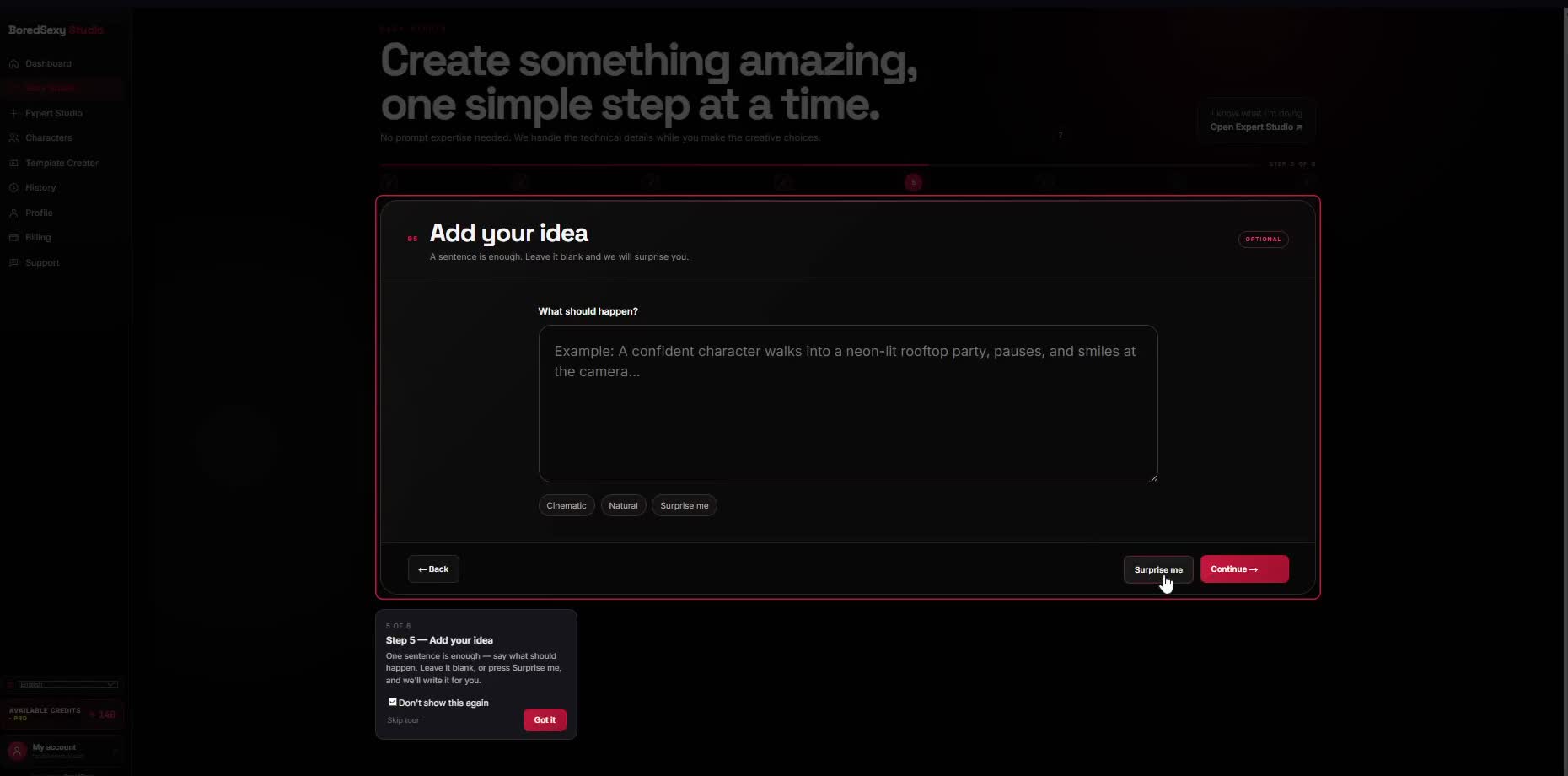
ClickSurprise me
ThenContinue